

Our Science · Trust, validation and IT
Trust, validation and IT
Before your laboratory runs its records on our LIMS, your IT and quality staff must confirm where the data lives and who can see it, and which validation is Microsoft’s and which is your laboratory’s.
Our products serve these laboratories.
- Veterinary diagnostic laboratories
- Materials and transportation testing laboratories
- Government and research laboratories
- Environmental and other testing laboratories
Our software is in production for clients including University of Wisconsin Veterinary Care, the Maine Department of Transportation, and the National Institute of Environmental Health Sciences. The first step is a thirty-minute conversation with a laboratory informatics expert.
Our products run on Microsoft Dataverse, by default inside your own Microsoft tenant, so your data stays where your IT team already controls it. Before your IT and quality teams sign off, they can confirm where the data lives, who holds each certification, how records are audited and amended, how releases reach production, and how data moves from your old system.
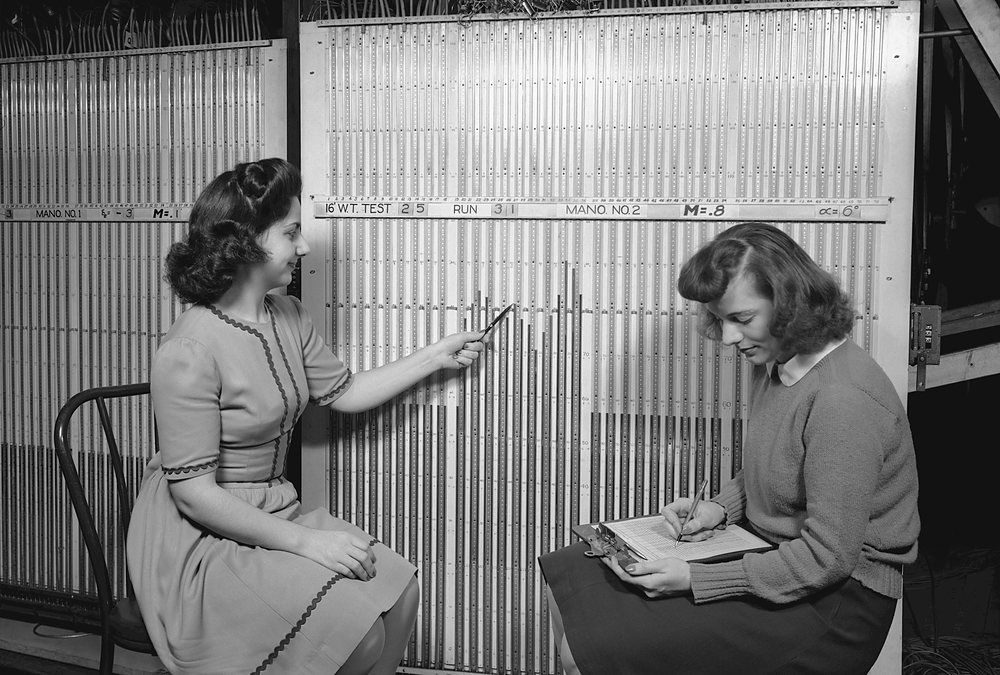
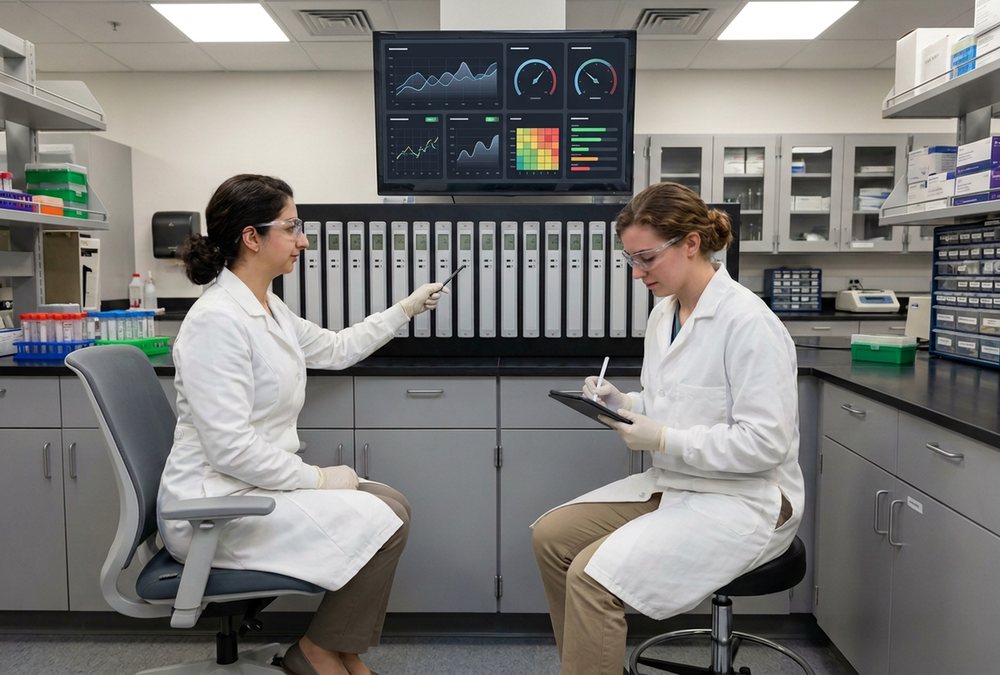
THEN · 1943 · NASA Ames Research Center · Wikimedia Commons · NOW · digitally rendered
THEN · 1943 · NASA Ames Research Center (NACA photograph ARC-1943-AAL-4962) · Wikimedia Commons · public domain · commons.wikimedia.org/wiki/File:Computers_reading_from_the_Manometer_Board_of_the_16_Foot_Wind_Tunnel_(ARC-1943-AAL-4962).jpg NOW · digitally rendered from the archive photograph above (Gemini 3 Pro Image, 2026-09-26): the room geometry, the camera and the people's positions are the photograph; everything else is generated. Not a photograph.01Your data
Where your data lives
By default, our products install in your organization’s Microsoft tenant, in your tenant’s region, and your IT team runs them. They are built natively on Microsoft Dataverse and the Power Platform, and your IT team administers them with Microsoft’s standard administration tools.
If you would rather not run them yourselves, SynapticSci can host them for you. In that case, the tenant is ours, the data remains yours, and we process it on your behalf. If you run your own tenant, there is no hosting charge from SynapticSci.
FormSense, our reviewed intake solution for paper forms, is available now. You can run it in your own Microsoft tenant, or SynapticSci can host it in our Microsoft Azure environment. The FormSense page explains both options.
02Certifications
Who holds the certifications
Microsoft’s platform is what we build on. When a security questionnaire asks for platform attestations, we point you to Microsoft’s documentation for the services your tenant uses and identify which services apply.
03Accreditation
What your laboratory is responsible for
Your laboratory validates the system for its intended use, and your accreditation body assesses the laboratory. We build each product so that the validation has what it needs.
- VetSci is designed to support AAVLD requirements. We can walk you through a clause-by-clause mapping of VetSci features to them.
- LabSci can be configured to support ANAB requirements for forensic laboratories.
- DOTSci is designed to support laboratories working to AASHTO and ASTM test methods.
04Records
Audit trail, roles and controlled records
Dataverse audit history records every change to a record, with the person who made it and the time. Each person sees what their role in the laboratory allows. Records move through review states, and a correction is added as an amendment that links back to the original. The original value is never erased.
Electronic signatures can be configured as a validated control in your process. Audit history, role security, and controlled records are features of Dataverse itself.
Each product installs its own security roles, such as technician, reviewer, and administrator, and the release manifest lists every one. Where possible, roles are assigned through Microsoft Entra groups instead of one user at a time.
05Accessibility
Accessibility reports come from Microsoft
Microsoft publishes accessibility conformance reports (VPATs) for the Power Platform. Our apps run inside the Power Apps screens those reports describe, so we point you to Microsoft’s reports for the services your tenant uses.
06Integrations
Instrument interfaces are built one at a time
We build each instrument interface for a specific instrument in a specific laboratory, and we count it only after delivery. The interfaces we have delivered so far include the following.
- Blood-gas, chemistry, immunoassay, susceptibility, coagulation, and microbiology identification analyzers at University of Wisconsin Veterinary Care, over ASTM, HL7, or vendor middleware
- The hospital’s practice-management system at University of Wisconsin Veterinary Care, over HL7
- The exchange with the transportation information system of the Maine Department of Transportation
When a third-party component is better suited to a task, such as an interface engine, a print service, or a document conversion tool, we license it and identify it on your order form.
07Security
Sign-in, access and releases
People sign in with Microsoft Entra ID, with multi-factor authentication wherever your tenant requires it. Service identities get only the access they need. FormSense uses managed identities and keeps its secrets in Azure Key Vault.
Our products install as managed Dataverse solutions, following a documented installation path. Each release moves through development, user acceptance testing, and production environments, and every deployment comes with release notes. No change reaches production without notice.
SynapticSci does not require a personal account in your tenant. Your IT creates one app registration in Microsoft Entra ID for deployments, with an application user in each environment. If your policy blocks outside deployment pipelines, your administrators can import the managed solutions themselves from the release manifest.
Your laboratory’s own configuration lives in a separate solution that you own, so product releases do not overwrite your work.
The products use Dataverse and standard Microsoft connectors in cloud flows. The release manifest lists the connectors your data loss prevention policy needs to allow.
08Migration
Moving data from your old system
We treat migration as its own project, separate from Sustain. Active data moves first, and you choose how much history comes with it. The options are no history, active records plus one year of history, or the full history. A reconciliation report shows which records were successfully migrated, and you sign off on the results.
We price migration after we have reviewed the source system, and it appears as a separate line on your order form. The pricing page lists migration under project services.
09FAQ
Questions IT asks
- Who owns the tenant?
- You do, in the standard setup. Our products install in your organization’s Microsoft tenant, and your IT runs it. If SynapticSci hosts for you, we own the tenant and you own the data.
- Can we run it in our own tenant?
- Yes. Your own tenant is the standard setup, and there is no hosting charge from SynapticSci when you use it. If you would rather we host it, hosting prices are on the pricing page.
- What licenses do our users need?
- Each user needs a Power Apps per-user license for the model-driven apps, and your tenant needs Dataverse capacity. Both come under the Microsoft agreement your organization already has. You also need the product subscription, which is on the pricing page.
- What happens at renewal?
- Licenses and hosting are annual subscriptions. Licenses, hosting, Service Levels, and Coverage additions have a twelve-month minimum term. Prices change once a year, with notice, and a Sustain Service Level changes at renewal. Renewal does not affect your data.
- How are releases promoted?
- Through development, user acceptance testing, and production environments, with release notes for every deployment.
- Can we export everything?
- Yes. The data is yours, in Dataverse tables your IT can read, and standard Microsoft tools export it.
- What do you log?
- Dataverse audit history records who changed what, and when, on the records themselves. That history is yours and stays with the data. We will describe what our own services write to their logs once we have confirmed it against the running environment.
- Does SynapticSci need access to our tenant?
- Not through a personal account. Deployments run through an app registration your IT creates in Microsoft Entra ID, with an application user in each environment. If your policy blocks outside pipelines, your administrators can import the managed solutions themselves.
- Do you sub-process our data?
- No. In the standard setup the data does not leave your tenant. If SynapticSci hosts for you, we process the data on your behalf, and your order form says so.
Sustain starts at contract execution. Questions about cost and minimum terms are answered in the pricing FAQ.