

Products & services · Software
LabSci
The National Institute of Environmental Health Sciences moved its laboratory notebook workflows into LabSci, and our software also runs for other clients, including UW Veterinary Care and Maine DOT. Your first step is a thirty-minute conversation with an expert.
LabSci is a laboratory information management system (LIMS) built natively on Microsoft Dataverse and the Power Platform, and configured to your laboratory’s own workflow when no packaged system fits. Samples, tests, equipment, and reports share one record. It is also the platform under VetSci and DOTSci. The first step is a conversation with one of our laboratory informatics experts.
For the laboratory that outgrows every packaged LIMS.
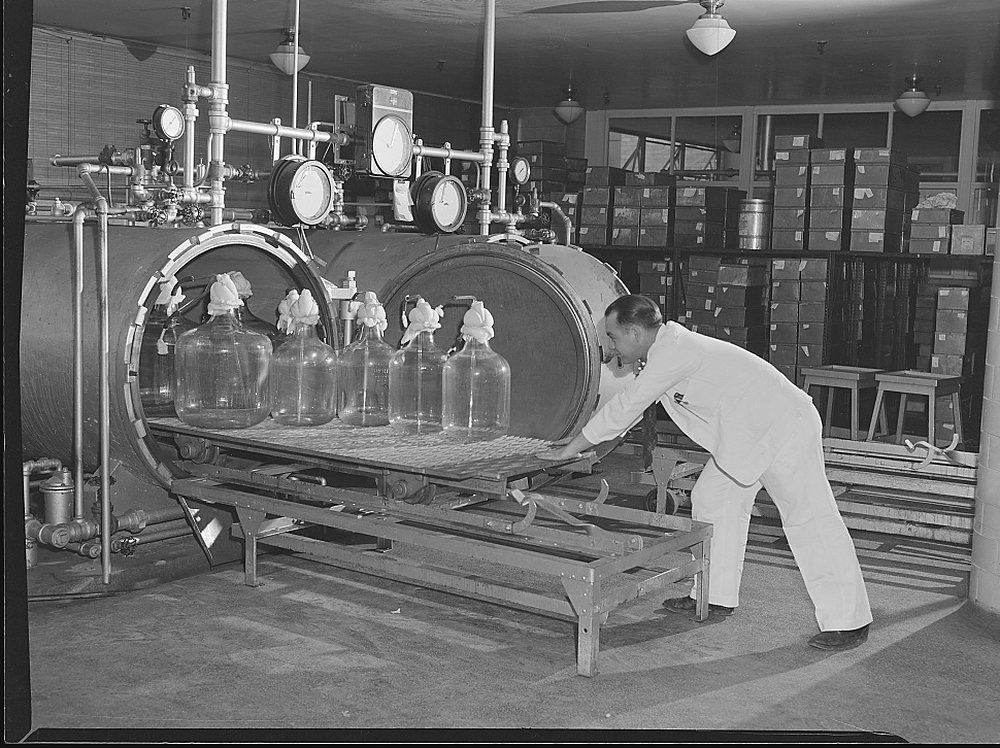
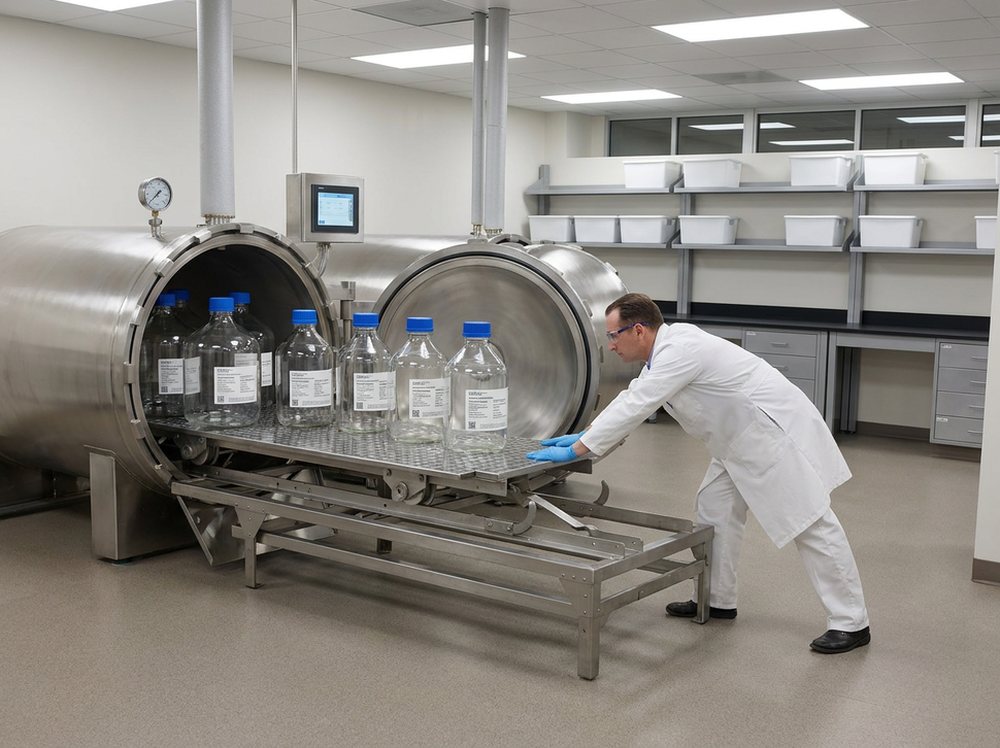
THEN · 1943 · Library of Congress · NOW · digitally rendered
THEN · 1943 · Arthur S. Siegel · Library of Congress, Prints & Photographs Division, Farm Security Administration/Office of War Information Black-and-White Negatives · no known restrictions on publication · loc.gov/item/2017858635 NOW · digitally rendered from the archive photograph above (Gemini 3 Pro Image, 2026-09-26): the room geometry, the camera and the people's positions are the photograph; everything else is generated. Not a photograph.Opens your print dialog. Choose Save as PDF.
01Who this is for
For laboratories that no packaged LIMS fits
LabSci is for laboratories that no packaged system was built for, such as these.
- research cores
- environmental and public-health laboratories
- forensic laboratories working to ANAB-aligned configurations
- food and agricultural testing laboratories
We configure LabSci to your workflow in the Understand phase, our fixed-scope, on-site study of how your laboratory works. LabSci is also the platform under VetSci and DOTSci, our two industry products.
On our practice and problem pages
LabSci appears on these practice and problem pages, next to the other approaches each page weighs.
Practice pages
Problem pages
- Systems do not share the information people need.
- It is hard to see what work is waiting or where it is stuck.
- The software does not fit how the laboratory works.
- Equipment and calibration records are disconnected from the work.
- Reports still have to be assembled by hand.
- Laboratory data does not add up to a reliable view of performance.
- Research or service work is scattered across requests, samples, and results.
Not for Clinical laboratories that test human patients. What LabSci is not →
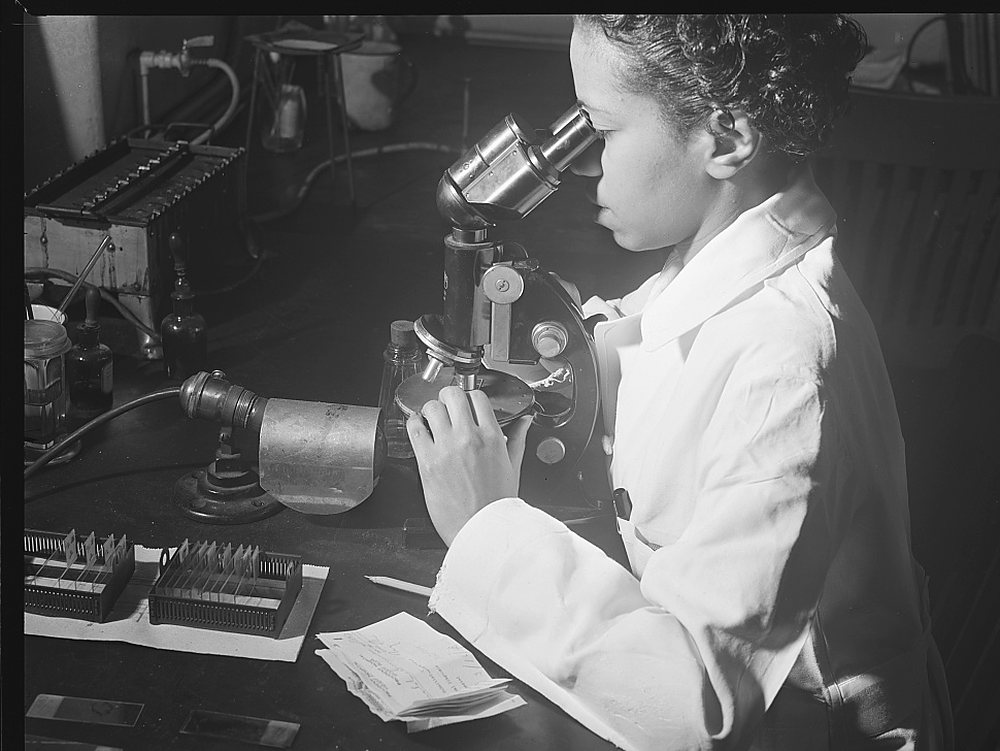
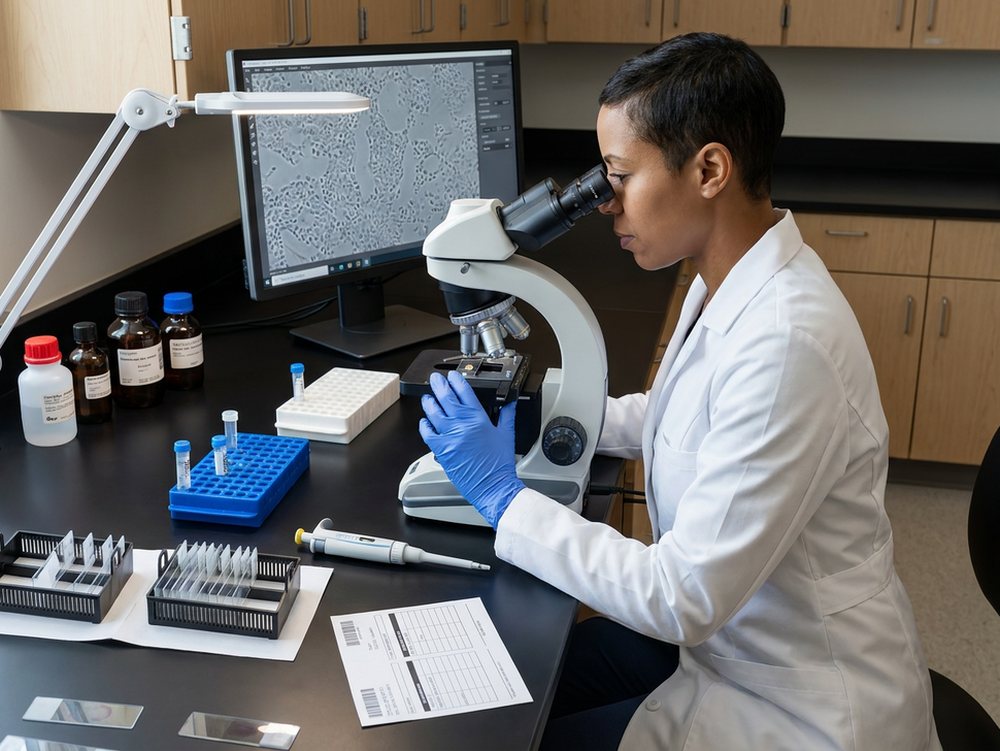
THEN · 1942 · Library of Congress · NOW · digitally rendered
THEN · 1942 · Jack Delano · Library of Congress, Prints & Photographs Division, Farm Security Administration/Office of War Information Black-and-White Negatives · no known restrictions on publication · loc.gov/item/2017829088 NOW · digitally rendered from the archive photograph above (Gemini 3 Pro Image, 2026-09-26): the room geometry, the camera and the people's positions are the photograph; everything else is generated. Not a photograph.02The problem
What a laboratory does when no packaged system fits it
Some laboratories look at the packaged systems for their field and find nothing that fits. A research core runs more methods than it has instruments. An environmental laboratory changes its sampling plans with the season. A forensic laboratory must hold its configurations to ANAB requirements. The choice seems to narrow to a custom build or a packaged system forced out of shape.
Other laboratories do sound work on a scattered record. Samples sit in a spreadsheet, results in the instrument software, and calibrations in a binder, while reports are assembled by hand. The science is sound, but the trail behind it is hard to follow.
Then an assessor asks where a sample was, which instrument ran it, when that instrument was last calibrated, and who signed the result. The answer comes from four places, and meanwhile the IT department wants nothing new to administer.
03How we help
From sample receipt to reporting, all connected in one record
LabSci models your laboratory the way it actually runs. A request arrives and samples are registered under it, on a study or a plan where one exists. Tests are created against the samples and land on the worklist of the person assigned. Results are entered, validated, and reviewed before the report is released to the people who asked for it.
Equipment, calibration, metrology, and preventive maintenance sit beside the tests they qualify, so an instrument’s state is on the same record as the result it produced. Locations say where every sample is, and labels print from the record itself.
The product documentation builds every record from five concepts.
- Request: the work that comes in, and who owns it
- Sample: the physical or logical specimen, tracked through processing
- Test: the procedure run on a sample
- Result: what the test measured or derived
- Report: what goes to the people downstream
Your laboratory’s own configuration can add fields, statuses, integrations, and sequencing rules on top of these.
Fourteen modules, named as the application names them
The grid follows the application’s own navigation, in its order. A module is a named area of the application. What each one does in your laboratory is configured in the Understand phase.
My Work
The worklist a bench scientist signs into shows what is assigned, what is due, and what is waiting on review.
Sample management
A sample is a physical or logical specimen tracked through processing, and its subsamples and containers follow it from receipt onward.
Study management
Studies group requests, samples, tests, and results into one record with its own status.
Reporting
Reports for the people downstream are reviewed and released here.
Equipment
The instrument and asset register keeps status and service history.
Calibration
Calibration schedules and records are tied to the equipment they qualify.
Metrology
Measurement standards carry the traceability behind each calibration.
Preventive maintenance
Scheduled upkeep is planned and recorded before anything fails.
Plans
Sampling and testing plans drive what the bench sees.
Locations
Buildings, rooms, freezers, and positions show where every sample is.
Labels
Barcode labels are designed and printed from the record itself.
Questionnaires
Structured questions capture the answers a fixed form cannot hold.
Standardization
Controlled vocabularies and shared reference data apply across every module.
Reference controls
Reference materials and controls are managed alongside the tests they check.
Audit history, role security, and controlled records are administered through existing Dataverse features.
Leadership
If you run the laboratory
You are not choosing between a custom build and a box. LabSci is configured to your workflow in the Understand phase and delivered one proven step at a time, with the platform’s upgrade path underneath. We sell only what we can show you working.
Implementation is scoped after the Understand phase. After go-live, Sustain is a Service Level sized to your laboratory and priced per year.
Bench
If you work the bench
My Work is the screen you sign into. It shows what is assigned, what is due, and what is waiting on review. Registering a sample prints its label, and the location record says which freezer and which position. A result entered against a test carries the instrument that ran it. “Where is it?” takes one lookup.
QA
If you review and sign
Audit trails, role-based access, and controlled records are platform features, configured to your SOPs from the start. The product documentation sets the rule for the record itself: “Each transition should be auditable and reproducible from server-side state.”
Three least-privilege security roles ship with the product (Basic User, Sample Authorizer, and Testing Permissions), and your own roles are configured above them. ANAB-aligned configurations for forensic laboratories are set up the same way, and accreditation stays with the laboratory. Calibration and reference-control records sit with the tests they qualify, so an assessor’s question is answered from one record.
IT
If you administer the tenant
LabSci ships as managed Dataverse solutions, in your tenant or hosted by SynapticSci. Every change moves through three environments (development, user acceptance testing, and production). Only managed solutions move downstream.
- Licensing is Power Apps per user for the model-driven apps, plus Dataverse capacity.
- A documented installation path lets your own administrators install it.
- Release notes come with every deployment.
- Sign-in is Entra ID, with MFA where your tenant enforces it.
We build on Microsoft’s platform, and we cite its certifications as Microsoft’s. Instrument interfaces are delivered per instrument, per laboratory. Trust, validation, and IT →
04Method
Understand your laboratory first, then build one proven step at a time
We start with a fixed-scope on-site Understand phase, then build one proven step at a time, so your laboratory sees a working result before committing further. The four phases are Understand, Build, Adopt, and Sustain, and How we work describes each.
In the Understand phase your laboratory’s way of working becomes the specification. We document your methods, sample types, equipment, and the exceptions the bench handles every week before anything is configured. Each step is then built, adopted, and improved in Sustain, which covers the years after go-live.
05Platform
One platform under every product, with your configuration on top
LabSci is built natively on Microsoft Dataverse and the Power Platform, so it can run in your organization’s own Microsoft tenant, or we can host it for you.
VetSci and DOTSci install as product layers over LabSci. Your laboratory’s own configuration lives in a client solution above both, so product releases do not overwrite your work. Every installation runs three environments (development, user acceptance testing, and production), so each change is tested before it reaches your laboratory.
06Evidence
Where LabSci runs today
Claim At the National Institute of Environmental Health Sciences, laboratory notebook workflows moved into LabSci.
Mechanism Requests, samples, tests, and results share one Dataverse record in LabSci.
Artifact The institute’s own screens, shown in a conversation with its permission.
Result National Institute of Environmental Health Sciences · LabSci · laboratory notebook workflows moved into the platform.
See the record →
07Boundaries
What LabSci is not
- Instrument interfaces are built per instrument and per laboratory.
- The module names come from the application’s navigation. How each module behaves in your laboratory is configured in the Understand phase and shown working before you commit further.
08Pricing
A subscription, then Sustain, then the project
Table 1 LabSci license and hosting prices by item, the same as on Pricing. Each is its own annual price.
Per year · minimum commitment twelve months · effective 1 October 2026. License and hosting are separate prices, and no combined figure is stated. Hosting: hosted by SynapticSci; none when self-hosted in your own tenant; requires the matching LabSci licence.
| Item | License | Hosting |
|---|---|---|
| Lab Userper named Lab User | $2,346 | $305 |
| Designer/Adminper named Designer/Admin | $4,691 | $611 |
| Portal, authenticated usersper pack of 100 authenticated portal users | $3,892 | $3,053 |
| Portal, anonymous visitorsper pack of 500 anonymous portal visitors | $1,348 | $1,145 |
Implementation is scoped after the Understand phase. Sustain is priced per year on a twelve-month minimum, and its prices are on Pricing.
Migration is its own project, and you choose how much history moves.
- No migration
- Active data plus a year of history
- Everything
We price migration after we have seen the source system. Talk with an expert to work through implementation and migration for your laboratory.
After go-live: Restore, Improve, Commit
Is it broken? We fix it under Coverage, which is included with your license. Is it working but could be better? We improve it with your Service Level. Is it something new with a date and a definition? That is a project, scoped, priced, and committed separately. Sustain, the years after go-live →